
How to Use Our Online Designer to Create a Wiro-Bound Thumb Calendar
“Designing your own calendar shouldn’t feel complicated and with our Online Designer, it isn’t. Whether you’re creating a branded calendar for your business, a stylish promo gift, or a personal project packed with favourite photos, the online tool makes it easy to bring your ideas to life. In this step-by-step guide, you’ll learn exactly how to design a Wiro-Bound Thumb Calendar using our built-in designer, with helpful tips to get a professional print every time. Follow my lead…”
- Cameron Sinclair, Graphic DesignerWhat Is a Wiro-Bound Thumb Calendar?
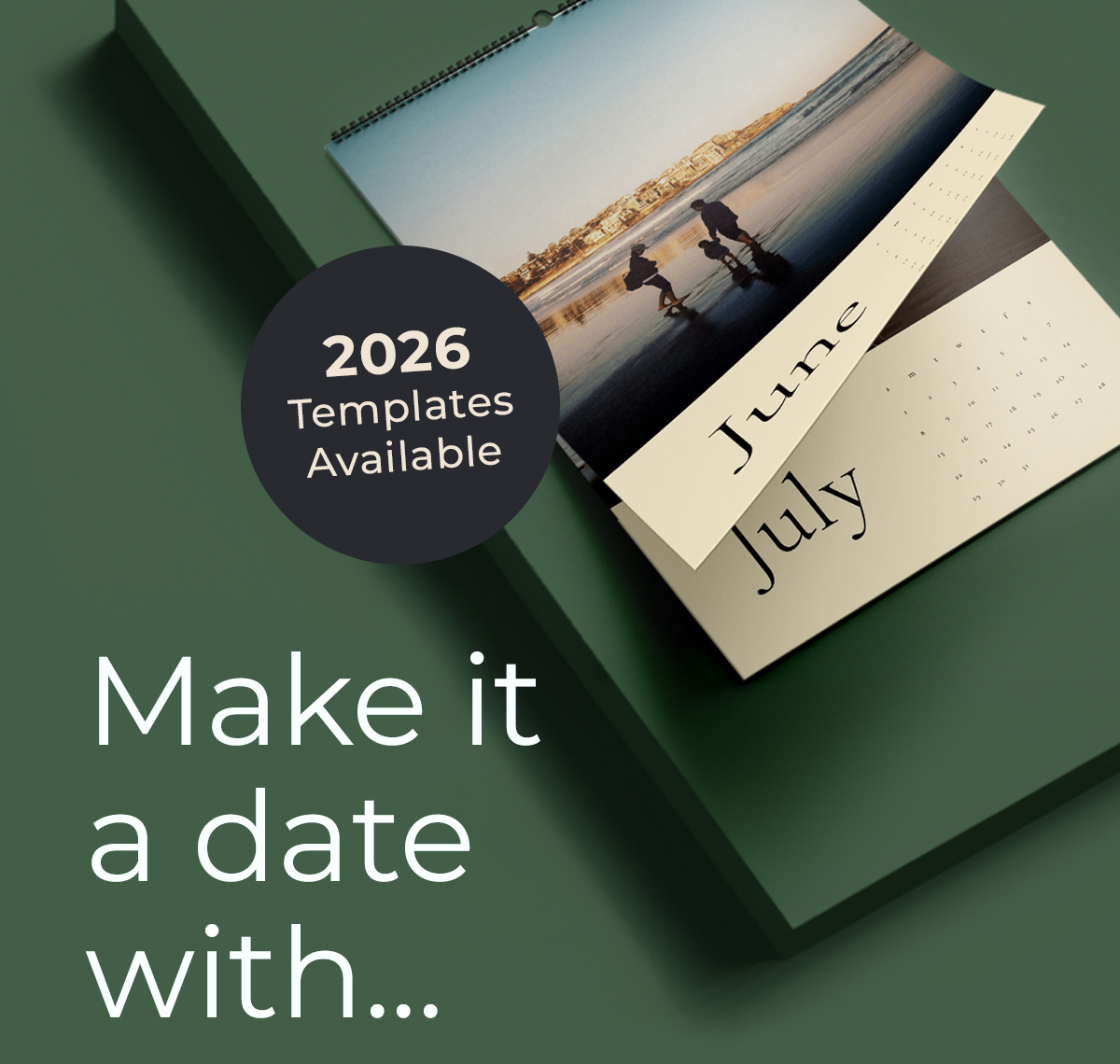
Wiro-Bound Thumb Calendars are compact, practical and perfect for year-round visibility. With a thumb-cut and hanging loop at the top, they’re designed to sit neatly on walls while giving you plenty of space to feature photos, branding or promotional messaging.
If you’ve selected this product, you’re ready for the fun part - designing it.
If you prefer a step guide, you can read the step-by-step here:
How to Design Your Wiro-Bound Thumb Calendar Online
- Start onWiro-Bound Thumb Calendars
Here you can choose your specifications, including:
- Paper type
- Page count (16pp or 28pp)
- Cover finish or lamination
- Wire colour
- Whether to include the thumb-cut and hanging mechanism
- You can also handily choose to add a calendar template so you don’t have to design your own.
Once you’ve selected all your options, click “Start Designing” to launch the Online Designer.
- Log In for the Best Experience
Before using the designer, make sure you’re logged in to your Tradeprint account. This ensures you can save your progress, upload files smoothly and return to your design later if needed.
If you don’t have an account yet, you can create one in just a few clicks from the homepage.
- Explore the Online Designer Workspace
When the designer opens, you’ll see:
The Canvas
This is where each page of your calendar appears. You can switch between pages to build your calendar month by month.
The Tools Panel
Found on the left, this panel lets you:
- Upload images (from your device)
- Add text boxes
- Change fonts, colours and alignment
- Insert shapes or backgrounds
- Layer items (send to front/back)
The Preview
On the right is a flat lay showing what each page looks like.
- Upload Your Images
Drag and drop or browse to upload:
- Photos
- Logos
- Artwork
- Background textures
Tip: Use high-resolution images (300dpi) for the best print quality.
Once uploaded, simply drag images onto your pages. You can crop, resize, rotate and adjust brightness/contrast from the tools panel.
- Add Your Text
Want to include:
- Month names
- Special dates
- Branding
- Calls to action
- Inspirational quotes
Just insert a text box and style it using the font controls. Stick to clean, legible fonts for the most professional finish.
- Watch Out for the Safe Zones
For Wiro-Bound Thumb Calendars, pay attention to:
Binding Area
Avoid placing text or important details close to the top edge. The thumb-cut and wire binding require space.
Safe Margins
Keep meaningful content at least 10–15mm from the edges to prevent trimming or obstruction.
The designer tool will show guides to help you position everything safely.
- Check Page Order Carefully
This is especially important:
- 16-page calendars work in a “flip-over” style – the calendar flips over rather than turning each page like a booklet.
- 28-page calendars have a traditional month-by-month sequence.
Use the page panel to review before finalising.
- Proof Your Calendar
Take time to scroll through every page:
- Check for typos
- Confirm alignment
- Make sure images aren’t pixelated – you can upscale images using the ai enhancement tool for this job.
- Look for anything too close to the binding edge
- Verify the correct month order
This preview gives you the closest representation of the finished product.
- Review & Confirm
Happy with your design?
- Click Save if you want to revisit later – this will save you a pdf of your design. When you come back later, simply upload your pdf to pick up where you left off.
- Click Review & Confirm when you’re ready to order
- Preview and generate your artwork – generation may take a few moments.
- Add your calendar to the basket – don’t be tempted to make any changes to your original spec. Adding pages or changing the paper type will not be accepted at this stage.
- Proceed to checkout
Your custom-designed Wiro-Bound Thumb Calendar will be printed, bound and delivered exactly as shown in your preview.
Pro Tips for a Flawless Calendar Design
Use high-quality photos — low-res images can look grainy in print
Keep backgrounds simple to let images and dates stand out
Be consistent with fonts and colours across pages
Check spelling on every month
Preview your design on a desktop for better accuracy
Recent Posts
Categories
- Best Sellers (52)
- How To Guides (31)
- News (31)
- Events (18)
- Charity (16)
- Business (14)
- Case Studies (14)
- Hospitality (14)
- Marketing Materials (10)
- Substrates (10)
- Awards (9)
- Design (6)
- Election Printing & Direct Mail (6)
- Sustainability (6)
- Ask A Print Expert (3)
- Education (3)
- Samples (3)
- Artwork Services (2)
- Tradeprint PRO (2)
Archives
- December 2025 (10)
- July 2026 (10)
- September 2018 (6)
- August 2021 (6)
- May 2022 (6)
- March 2026 (6)
- April 2026 (6)
- January 2023 (5)
- October 2017 (4)
- September 2021 (4)
- December 2021 (4)
- January 2026 (4)
- February 2026 (4)
- August 2018 (3)
- January 2022 (3)
- February 2022 (3)
- March 2022 (3)
- November 2022 (3)
- March 2023 (3)
- April 2023 (3)